
Transfer Assets

To use Permapod, you need tokens on ZigChain. There are two ways to get them: withdraw from a centralized exchange (CEX) or bridge from another chain.
Option A — From a Centralized Exchange
If you hold tokens on exchanges like Bybit, Gate, MEXC, Bitget, or Kraken:
- Log in to your exchange account.
- Navigate to the Withdraw section.
- Select the token you want to withdraw (e.g., ZIG).
- Choose ZigChain as the destination network.
- Paste your ZIG Chain wallet address (starts with
zig1...). With MetaMask, use the Cosmos address shown in Permapod's wallet menu. - Double-check the token, network, and address, then confirm.
Some exchanges may not yet support direct withdrawals to ZigChain. In that case, withdraw to an EVM-compatible wallet (e.g., MetaMask) first, then use Option B below.
Option B — Bridge from EVM or Cosmos Chains
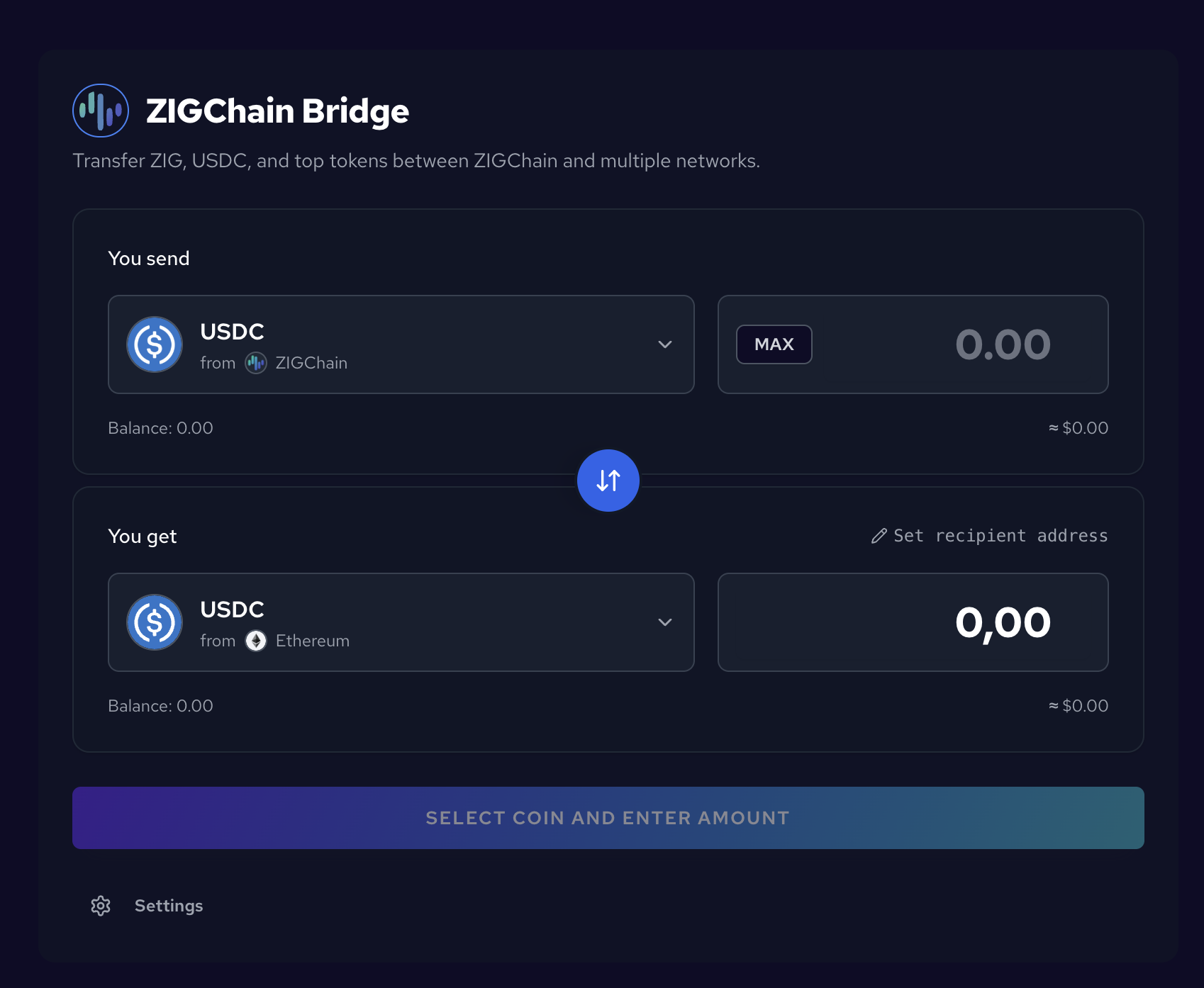
Zigchain has a built-in bridge supporting 60+ Cosmos chains and select EVM chains (Ethereum, Arbitrum, etc.).
- Visit the Official Zigchain Bridge
- Connect your source wallet (the wallet holding your tokens).
- Select the source chain and token, then enter the amount.
- Set he destination to ZigChain.
- Review the route and then confirm.
Bridging USDC? Permapod accepts USDC that arrives on ZigChain as USDC.inj (Circle USDC via Injective). Noble USDC (USDC.n) is no longer accepted. If you already hold USDC.n on ZigChain, swap it with Skip: USDC.n migration guide.
Next step: Dashboard Overview to understand the main interface.